Your Algorithmic Trading Station
We have successfully initialized, configured, and verified a robust Freqtrade bot ecosystem in the background. It is currently executing mock transactions using real-time market data.
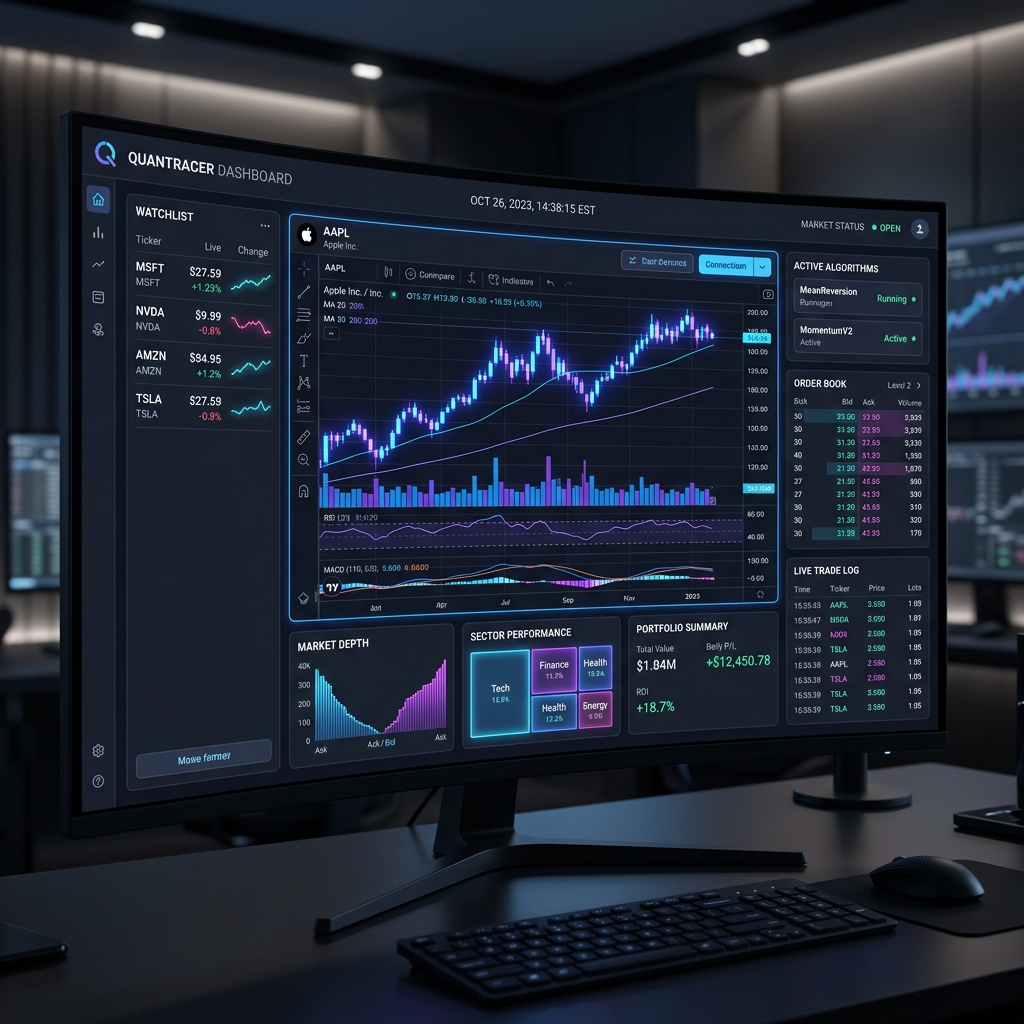
1. Quantitative Strategy Review
Compare the performance profiles of the three strategy iterations built and backtested over a 30-day market sell-off (-23%).
SampleStrategyV2
Trend Filtering (EMA 200)
SampleStrategy
Simple Mean Reversion
SampleStrategyV3
Bullish Crossover + MACD
2. Live Web Interface (FreqUI)
The bot serves a real-time monitoring dashboard in the background. For security, we do not expose FreqUI directly to the internet.
Secure SSH Tunnel Access
To access FreqUI securely, establish an encrypted SSH tunnel from your local PC to route traffic locally.
ssh -i .\your-key.key -L 8080:localhost:8080 -p 2222 ubuntu@152.67.100.231
config.json
Tunneling Active
Once the SSH tunnel is active, FreqUI is securely loaded via localhost. No ports are left open to hackers.
3. Interactive Control Center
Simulate standard command sequences to see what commands Freqtrade runs behind the scenes.
Action Commands
Click the simulator buttons to view how terminal calls monitor trade indicators, verify configs, and process historical downloads.